This article was originally published under Search Engine Land.
Many consider search engine optimization as a sort of black box. But once the essential features of a search engine optimal website are laid out in a concise list, SEO is not nearly as mystifying.
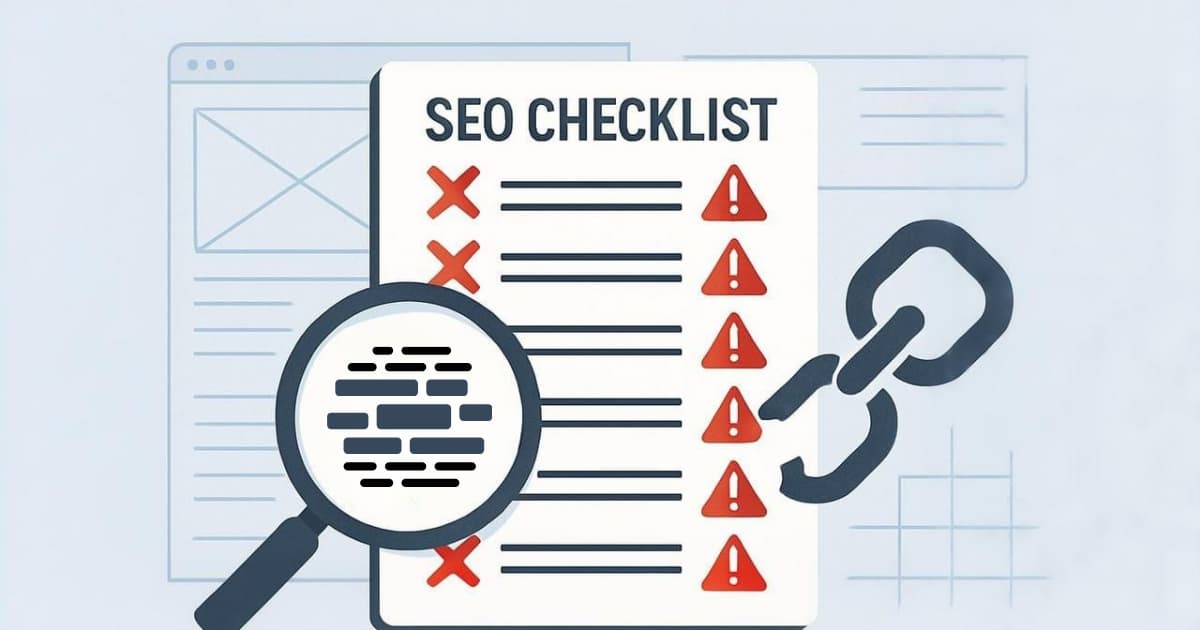
That’s where these checklists come in. They are designed for web marketers and web developers so that they can easily understand SEO and start tackling it. You can read a full description of each best and worst practice at the end of this, after the two checklists.
Worst practices in SEO
Partially indexed, poorly ranked, penalized and possibly banned: such is the unpleasant fate of a website that’s not duly optimized for search engines. Even if you mastered all “best practices”, your site may not be safe.
The mission of search engines is to supply their visitors with relevant results, so penalizing or banning sites that appear to interfere with that mission is a necessity. Understanding which practices adversely impact your search engine rankings is a prerequisite to a well-optimized site.
Whether inadvertent or not, any of the following worst practices could doom your site to suboptimal traffic levels. Here are 29 critical “must nots” in SEO (this is not a comprehensive list, by the way):
| Worst Practice | N/A | Will stop | Won’t stop |
| 1. Do you use pull-down boxes for navigation? | |||
| 2. Does your primary navigation require Flash, Java or Javascript to function? | |||
| 3. Is your web site done entirely in Flash or overly graphical with very little textural content? | |||
| 4. Is your home page a “splash page” or otherwise content-less? | |||
| 5. Does your site employ frames? | |||
| 6. Do the URLs of your pages include “cgi-bin” or numerous ampersands? | |||
| 7. Do the URLs of your pages include session IDs or user IDs? | |||
| 8. Do you unnecessarily spread your site across multiple domains? | |||
| 9. Are your title tags the same on all pages? | |||
| 10. Do you have pop-ups on your site? | |||
| 11. Do you have error pages in the search results (“session expired”, etc.)? | |||
| 12. Does your File Not Found error return a 200 status code? | |||
| 13. Do you use “click here” or any other superfluous copy for your hyperlink text? | |||
| 14. Do you have superfluous text like “Welcome to” at the beginning of your title tags? | |||
| 15. Do you unnecessarily employ redirects, or are they the wrong type? | |||
| 16. Do you have any hidden or small text meant only for the search engines? | |||
| 17. Do you engage in “keyword stuffing”? | |||
| 18. Do you have pages targeted to obviously irrelevant keywords? | |||
| 19. Do you repeatedly submit your site to the search engines? | |||
| 20. Do you incorporate your competitors’ brand names in your meta tags? | |||
| 21. Do you have duplicate pages with minimal or no changes? | |||
| 22. Does your content read like “spamglish”? | |||
| 23. Do you have “doorway pages” on your site? | |||
| 24. Do you have machine-generated pages on your site? | |||
| 25. Are you “pagejacking”? | |||
| 26. Are you cloaking? | |||
| 27. Are you submitting to FFA (“Free For All”) link pages and link farms? | |||
| 28. Are you buying expired domains with high PageRank scores to use as link targets? | |||
| 29. Are you presenting a country selector as your home page to Googlebot? |
Worst practices explained
- Do you use pull-down boxes for navigation? Search engine spiders can’t fill out forms, even short ones with just one pull-down. Thus, they can’t get to the pages that follow. If you’re using pull-downs, make sure there is an alternate means of navigating to those pages that the spiders can use. Note this is not the same as a mouseover menu, where sub-choices show up upon hovering over the main navigation bar; that’s fine if done using CSS (rather than Javascript.)
- Does your primary navigation require Flash, Java or Javascript? If you rely on search engine spiders executing Flash, Java or Javascript code in order to access links to deeper pages within your site, you’re taking a big risk. The search engines have a limited ability to deal with Flash, Java and Javascript. So the links may not be accessible to the spiders, or the link text may not get associated with the link. Semantically marked up HTML is always the most search engine friendly way to go.
- Is your site done entirely in Flash or overly graphical with very little textual content? Text is always better than graphics or Flash animations for search engine rankings. Page titles and section headings should be text, not graphics. The main textual content of the page should ideally not be embedded within Flash. If it is, then have an alternative text version within div tags and use SWFObject to determine whether that text is displayed based on whether the visitor has the Flash plugin installed.
- Is your home page a “splash page” or otherwise content-less? With most webites, as mentioned above, the home page is weighted by the search engines as the most important page on the site (i.e., given the highest PageRank score.) Thus, having no keyword-rich content on your home page is a missed opportunity.
- Does your site employ frames? Search engines have problems crawling sites that use frames (i.e., where part of the page moves when you scroll but other parts stay stationary.) Google advises not using frames: “Frames tend to cause problems with search engines, bookmarks, emailing links and so on, because frames don’t fit the conceptual model of the Web (every page corresponds to a single URL.) “Furthermore, if a frame does get indexed, searchers clicking through to it from search results will often find an “orphaned page”: a frame without the content it framed, or content without the associated navigation links in the frame it was intended to display with. Often, they will simply find an error page.What about “iFrames”, you ask? iFrames are better than frames for a variety of reasons, but the content within an iframe on a page still won’t be indexed as part of that page’s content.
- Do the URLs of your pages Include “cgi-bin” or numerous ampersands? As discussed, search engines are leery of dynamically generated pages. That’s because they can lead the search spider into an infinite loop called a “spider trap.” Certain characters (question marks, ampersands, equal signs) and “cgi-bin” in the URL are sure-fire tip-offs to the search engines that the page is dynamic and thus to proceed with caution. If the URLs have long, overly complex “query strings” (the part of the URL after the question mark), with a number of ampersands and equals signs (which signify that there are multiple variables in the query string), then your page is less likely to get included in the search engine’s index.
- Do the URLs of your pages include session IDs or user IDs? If your answer to this question is yes, then consider this: search engine spiders like Googlebot don’t support cookies, and thus the spider will be assigned a new session ID or user ID on each page on your site that it visits. This is the proverbial “spider trap” waiting to happen. Search engine spiders may just skip over these pages. If such pages do get indexed, there will be multiple copies of the same pages each taking a share of the PageRank score, resulting in PageRank dilution and lowered rankings.If you’re not quite clear on why your PageRank scores will be diluted, think of it this way: Googlebot will find minimal links pointing to the exact version of a page with a particular session ID in its URL.
- Do you unnecessarily spread your site across multiple domains? This is typically done for load balancing purposes. For example, the links on the JCPenney.com home page point off to www2.jcpenney.com, or www3.jcpenney.com, or www4.jcpenney.com and so on, depending on which server is the least busy. This dilutes PageRank in a way similar to how session IDs in the URL dilute PageRank.
- Are your title tags the same on all pages? Far too many websites use a single title tag for the entire site. If your site falls into that group, you’re missing out on a lot of search engine traffic. Each page of your site should “sing” for one or several unique keyword themes. That “singing” is stifled when the page’s title tag doesn’t incorporate the particular keyword being targeted.
- Do you have pop-ups on your site? Most search engines don’t index Javascript-based pop-ups, so the content within the pop-up will not get indexed. If that’s not good enough reason to stop using pop-ups, you should know that people hate them – with a passion. Also consider that untold millions of users have pop-up blockers installed. (The Google Toolbar and Yahoo Companion toolbar are pop-up blockers, too, in case you didn’t know.)
- Do you have error pages in the search results (“session expired” etc.)? First impressions count . . . a lot! So make sure search engine users aren’t seeing error messages in your search listings. Hotmail took the cake in this regard, with a Google listing for its home page that, for years, began with: “Sign-In Access Error.” Not exactly a useful, compelling or brand-building search result for the user to see. Check to see if you have any error pages by querying Google, Yahoo and Bing for site:www.yourcompanyurl.com. Eliminate error pages from the search engine’s index by serving up the proper status code in the HTTP header (see below) and/or by including a meta robots noindex tag in the HTML.
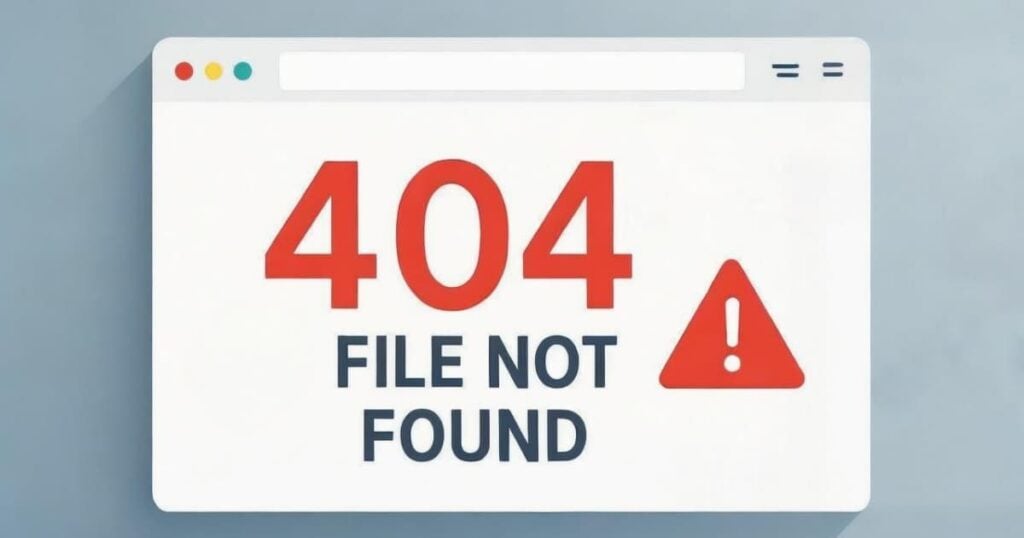
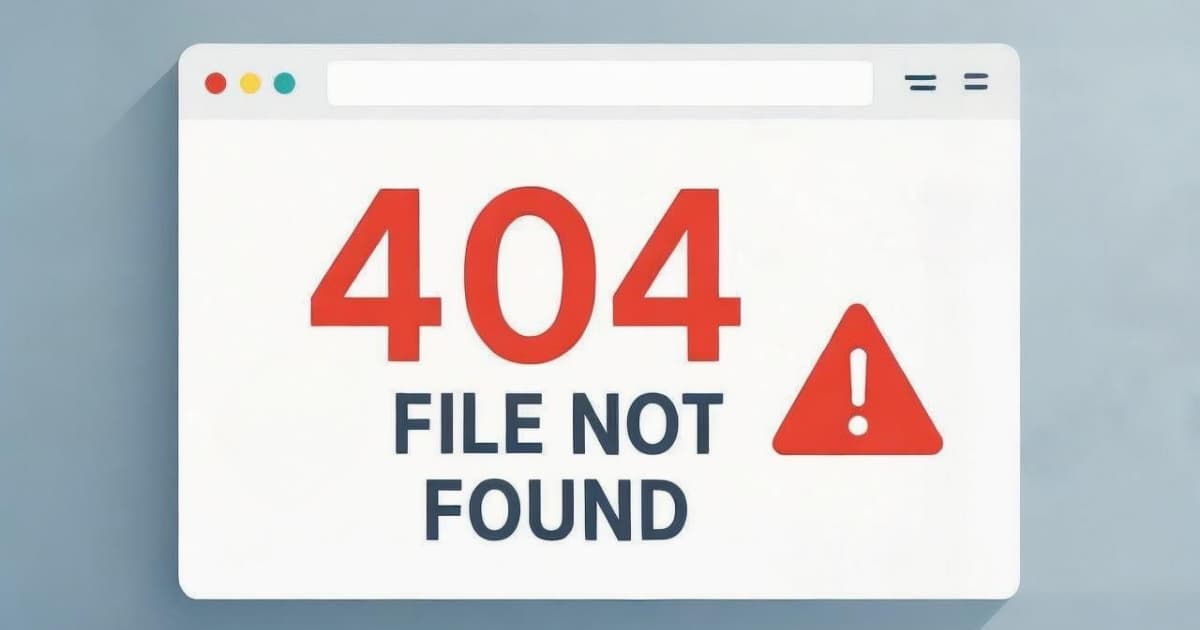
- Does your “file not found” error page return a 200 status code? This is a corollary to the tip immediately above. Before the content of a page is served up by your Web server, a HTTP header is sent, which includes a status code. A status code of 200 is what’s usually sent, meaning that the page is “OK.” A status code of 404 means that the requested URL was not found. Obviously, a file not found error page should return a 404 status code, not a 200. You can verify whether this is the case using a server header checker and then into the form input a bogus URL at your domain, such as http://www.yourcompanyurl.com/blahblah. An additional, and even more serious, consequence of a 200 being returned with URLs that are clearly bogus/non-existent is that your site will look less trustworthy by Google (Google does check for this).Note that there are other error status codes that may be more appropriate to return than a 404 in certain circumstances, like a 403 if the page is restricted or 500 if the server is overloaded and temporarily unavailable; a 200 (or a 301 or 302 redirect that points to a 200) should never be returned, regardless of the error, to ensure the URL with the error does not end up in the search results.
- Do you use “click here” or other superfluous copy for your hyperlink text? Wanting to rank tops for the words “click here,” eh? Try some more relevant keywords instead. Remember, Google associates the link text with the page you are linking to, so make that anchor text count.
- Do you have superfluous text like “Welcome To” at the beginning of your title tags? No one wants to be top ranked for the word “welcome” (except maybe the Welcome Inn chain!) so remove those superfluous words from your title tags!
- Do you unnecessarily employ redirects, or are they the wrong type? A redirect is where the URL changes automatically while the page is still loading in the user’s browser. Temporary (status code of 302) redirects — as opposed to permanent (301) ones — can cost you valuable PageRank. That’s because temporary redirects don’t pass PageRank to the destination URL. Links that go through a click-through tracker first tend to use temporary redirects. Don’t redirect visitors when they first enter your site at the home page; but if you must, at least employ a 301 redirect. Whether 301 or 302, if you can easily avoid using a redirect altogether, then do that. If you must have a redirect, avoid having a bunch of redirects in a row; if that’s not possible, then ensure that there are only 301s in that chain. Most importantly, avoid selectively redirecting human visitors (but not spiders) immediately as they enter your site from a search engine, as that can be deemed a “sneaky redirect” and can get you penalized or banned.
- Do you have any hidden or small text meant only for the search engines? It may be tempting to obscure your keywords from visitors by using tiny text that is too small for humans to see, or as text that is the same color as the page background. However, the search engines are on to that trick.
- Do you engage in “keyword stuffing”? Putting the same keyword everywhere, such as in every ALT attribute, is just asking for trouble. Don’t go overboard with repeating keywords or adding a meta keywords tag that’s hundreds of words long. (Why even have a meta keywords tag? They don’t help with SEO, they only help educate your competitors on which keywords you are targeting.) Google warns not to hide keywords in places that aren’t rendered, such as comment tags. A good rule of thumb to operate under: if you’d feel uncomfortable showing to a Google employee what you’re doing, you shouldn’t be doing it.
- Do you have pages targeted to obviously irrelevant keywords? Just because “britney spears” is a popular search term doesn’t mean it’s right for you to be targeting it. Relevancy is the name of the game. Why would you want to be number one for “britney spears” anyway? The bounce rate for such traffic would be terrible.
- Do you repeatedly submit your site to the engines? At best this is unnecessary. At worst this could flag your site as spam, since spammers have historically submitted their sites to the engines through the submission form (usually multiple times, using automated tools, and without consideration for whether the site is already indexed). You shouldn’t have to submit your site to the engines; their spiders should find you on their own — assuming you have some links pointing to your site. And if you don’t, you have bigger issues: like the fact your site is completely devoid of PageRank, trust and authority. If you’re going to submit your site to a search engine, search for your site first to make sure it’s not already in the search engine’s index and only submit it manually if it’s not in the index.
Note this warning doesn’t apply to participating in the Sitemaps program; it’s absolutely fine to provide the engines with a comprehensive Sitemaps XML file on an ongoing basis (learn more about this program at Sitemaps.org). - Do you incorporate your competitors’ brand names in your meta tags? Unless you have their express permission, this is a good way to end up at the wrong end of a lawsuit.
- Do you have duplicate pages with minimal or no changes? The search engines won’t appreciate you purposefully creating duplicate content to occupy more than your fair share of available positions in the search results. Note that a dynamic (database-driven) website inadvertently offering duplicate versions of pages to the spiders at multiple URLs is not a spam tactic, as it is a common occurrence for dynamic websites (even Google’s own Googlestore.com suffers from this), but it is something you would want to minimize due to the PageRank dilution effects.
- Does your content read like “spamglish”? Crafting pages filled with nonsensical, keyword-rich gibberish is a great way to get penalized or banned by search engines.
- Do you have “doorway pages” on your site? Doorway pages are pages designed solely for search engines that aren’t useful or interesting to human visitors. Doorway pages typically aren’t linked to much from other sites or much from your own site. The search engines strongly discourage the use of this tactic, quite understandably.
- Do you have machine-generated pages on your site? Such pages are usually devoid of meaningful content. There are tools that churn out keyword-rich doorway pages for you, automatically. Yuck! Don’t do it; the search engines can spot such doorway pages.
- Are you “pagejacking”?” Pagejacking” refers to hijacking or stealing high-ranking pages from other sites and placing them on your site with few or no changes. Often, this tactic is combined with cloaking so as to hide the victimized site’s content from search engine users. The tactic has evolved over the years; for example “auto-blogs” are completely pagejacked content (lifted from RSS feeds). Pagejacking is a big no-no! Not only is it very unethical, it’s illegal; and the consequences can be severe.
- Are you “cloaking”? “Cloaking” is the tactic of detecting search engine spiders when they visit and varying the content specifically for the spiders in order to improve rankings. If you are in any way selectively modifying the page content, this is nothing less than a bait-and-switch. Search engines have undercover spiders that masquerade as regular visitors to detect such unscrupulous behavior. (Note that cleaning up search engine unfriendly URLs selectively for spiders, like Yahoo.com does on their home page by dropping their ylt tracking parameter from all their links, is a legitimate tactic.)
- Are you submitting to FFA (“Free For All”) links pages and link farms? Search engines don’t think highly of link farms and such, and may penalize you or ban you for participating on them. How can you tell link farms and directories apart from each other? Link farms are poorly organized, have many more links per page, and have minimal editorial control.
- Are you buying expired domains with high PageRank scores to use as link targets? Google underwent a major algorithm change a while back to thwart this tactic. Now, when domains expire, their PageRank scores are reset to 0, regardless of how many links point to the site.
- Are you presenting a country selector as your home page to Googlebot? Global corporations sometimes present first-time visitors with a list of countries and/or languages to choose from upon entry to their site. An example of this is at EMC.com. This becomes a “worst practice” when this country list is represented to the search engines as the home page. Happily, EMC had done their homework on SEO and is detecting the spiders and waving them on. In other words, Googlebot doesn’t have to select a country before entry. You can confirm this to be the case yourself: do a Google search a “cache:www.emc.com” and you will see the EMC’s U.S. home page.
Closing thoughts
If you’ve read this and thought, “Hmm, that was interesting” but you didn’t actually tick any marks on the above checklists, then you have extracted only a fraction of this article’s value. The simple action of printing out the checklists and checking the appropriate boxes one by one is the first step to doing things differently. Remember: if you always do what you’ve always done, you’ll always get what you’ve always gotten.
If you adhere to the advice laid out for you above, and stay tuned for Part 2 of this article which will include a checklist covering best practices in SEO, you’ll be well on your way to a search engine optimal website. Go astray, and your rankings and perhaps even your reputation with the search engines could suffer.
Checklists are just the beginning on the path to SEO success. It’s important to engage with an SEO expert to help guide your organization through the changes necessary to optimize your site.
NOTE: Be sure to read the second part: SEO Checklist Part 2: Best Practices.